
For teachers
Less time making material, more time teaching
Bring the curriculum you already teach. Scholarix drafts your plans, practice and slides from it, cites every source, and leaves the final say to you.
One lesson, start to finish
Plan it, practise it, revise it
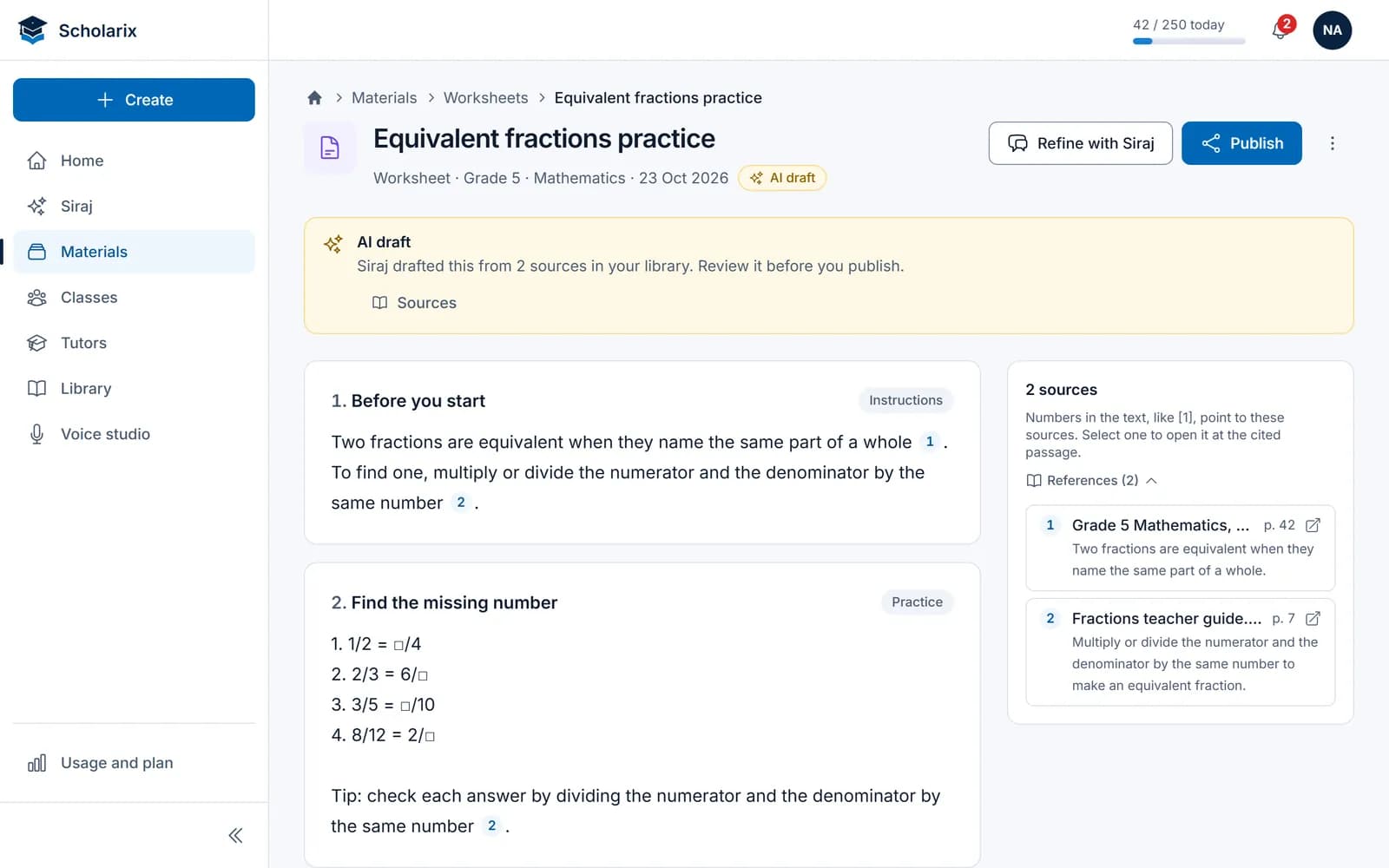
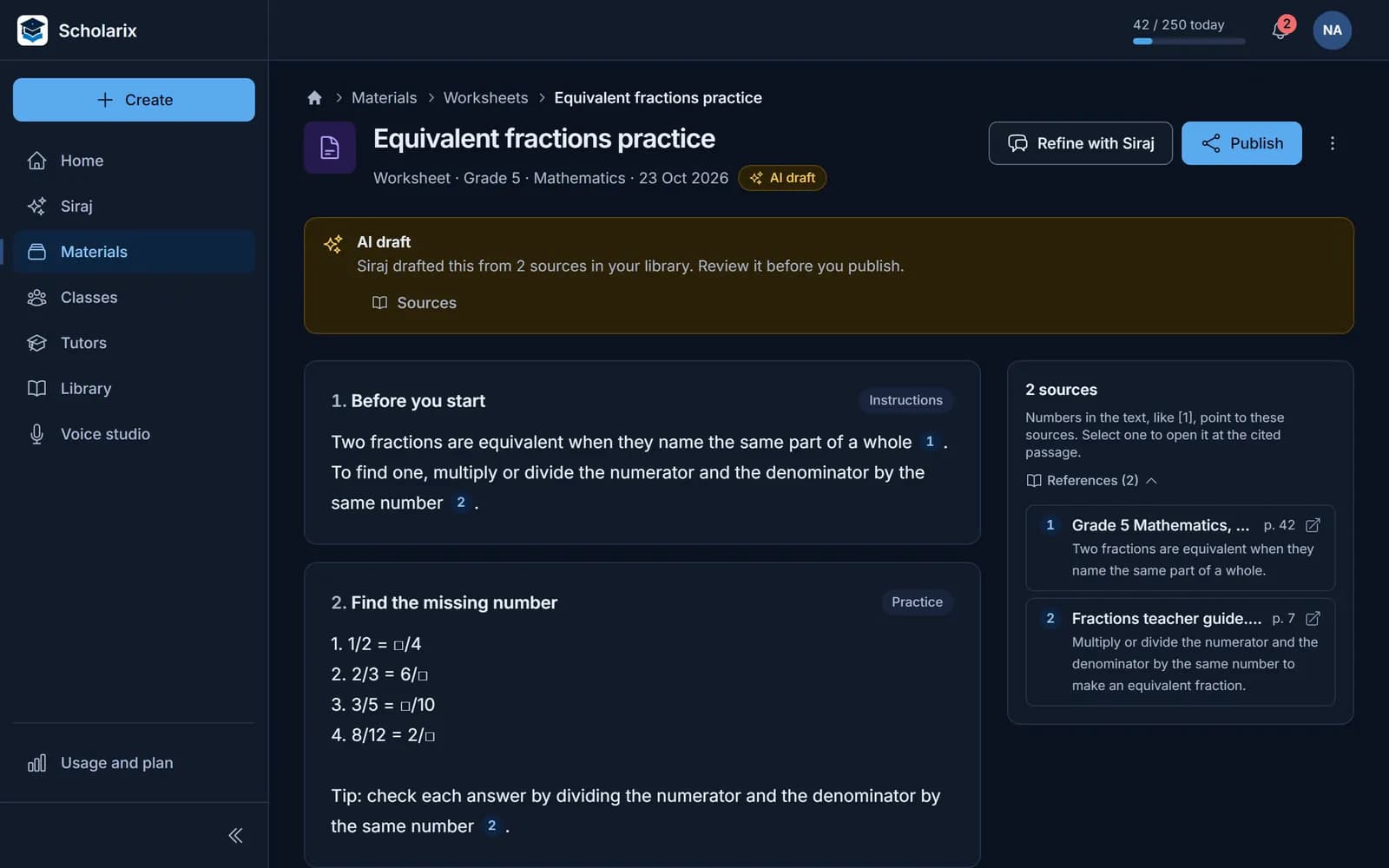
Plan and practise from your own material
Ask for a lesson plan, a worksheet or a quiz. Siraj drafts it from your library, with numbered sources and an answer key where it fits.
- Lesson plans, worksheets, quizzes, rubrics and project ideas
- Five question formats, plus mixed and Bloom's-level sets
- Each question with a difficulty, a Bloom's level and an explanation
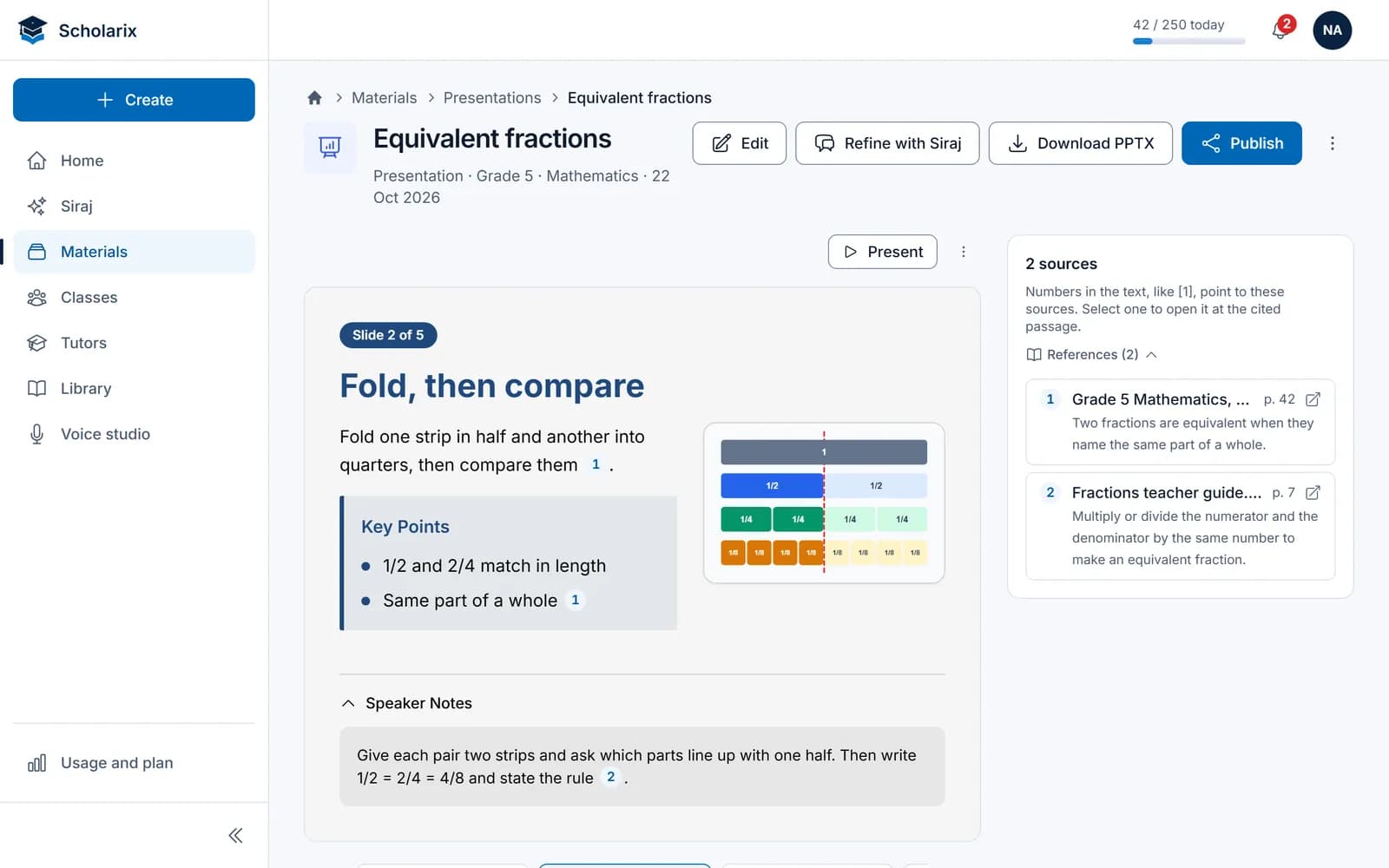
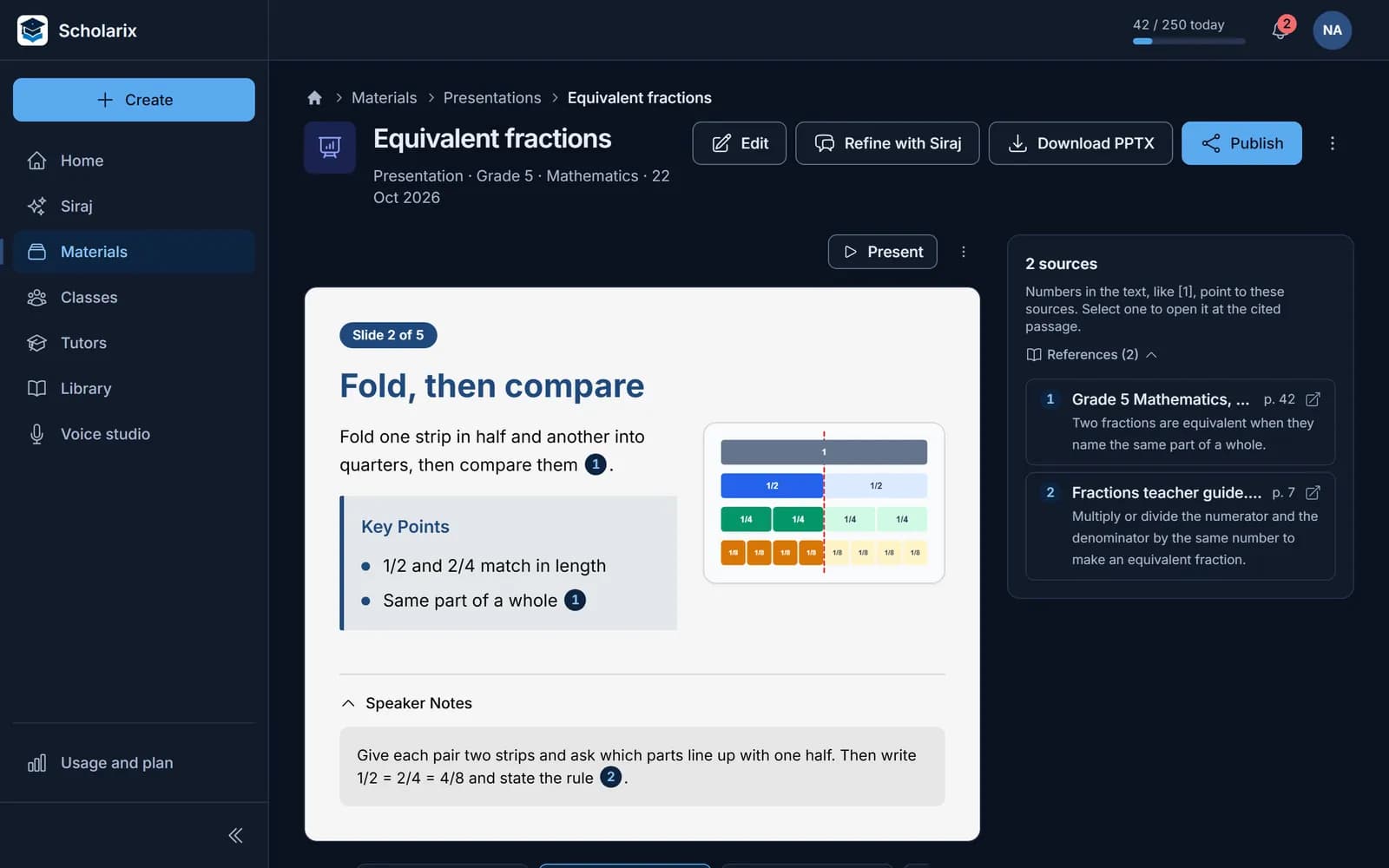
Teach from slides you didn't build from scratch
Turn the topic into a deck with speaker notes, then export it or present it from Scholarix.
- Five built-in themes
- A .pptx file, right to left in Arabic
- A student version without your notes
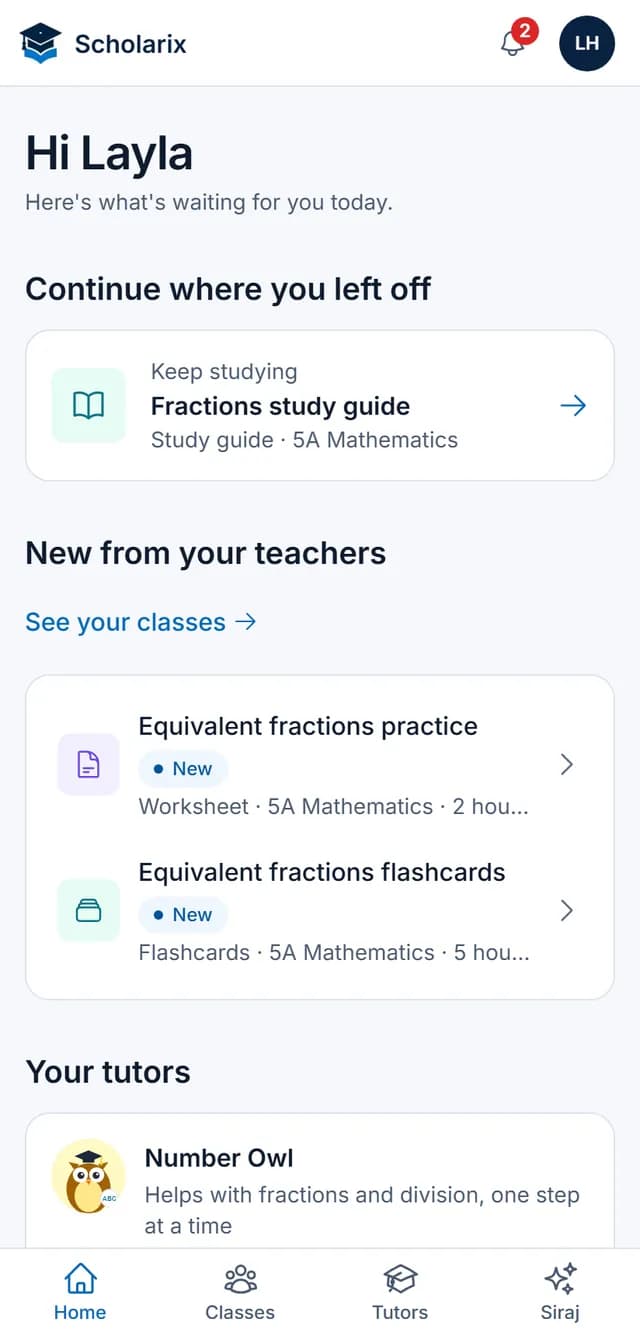
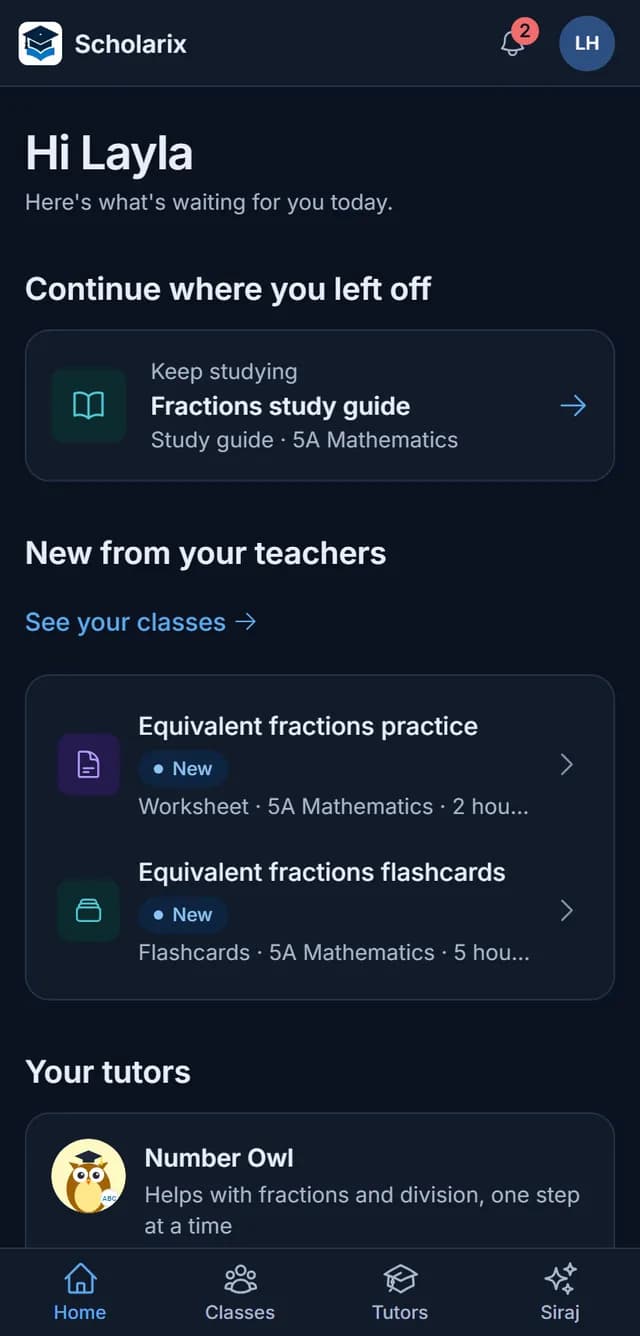
Revision students can do on their own
Publish a study guide, flashcards or a tutor to your class. Students open them on their phones.
- Study guides with a quiz that explains each answer
- A narrated video made from a study guide
- Flashcards for quick revision
What you can make
Eight kinds of material, each a draft you review
Plan and teach
Practise and assess
Study and revise
Check any line
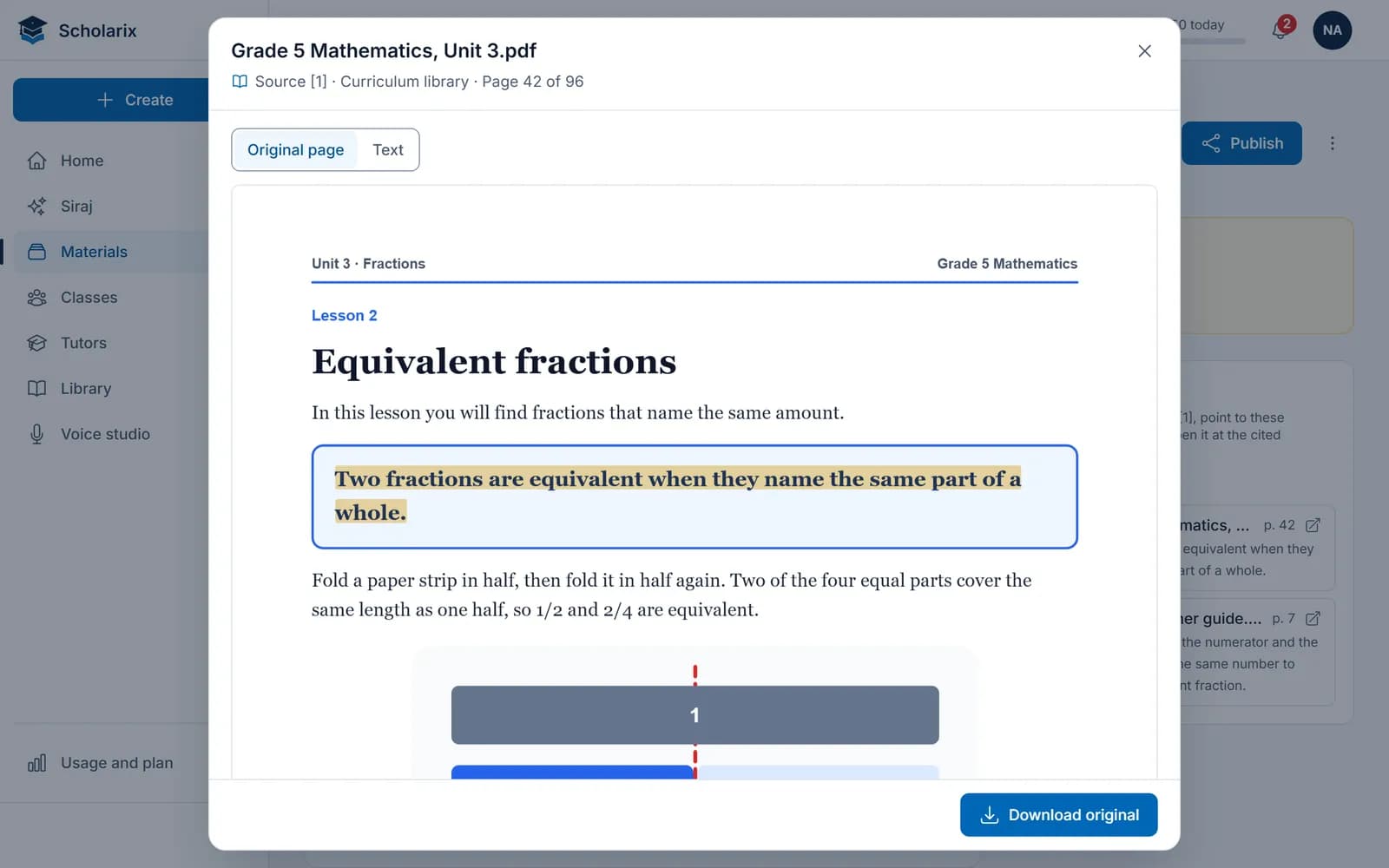
Open the source behind a sentence
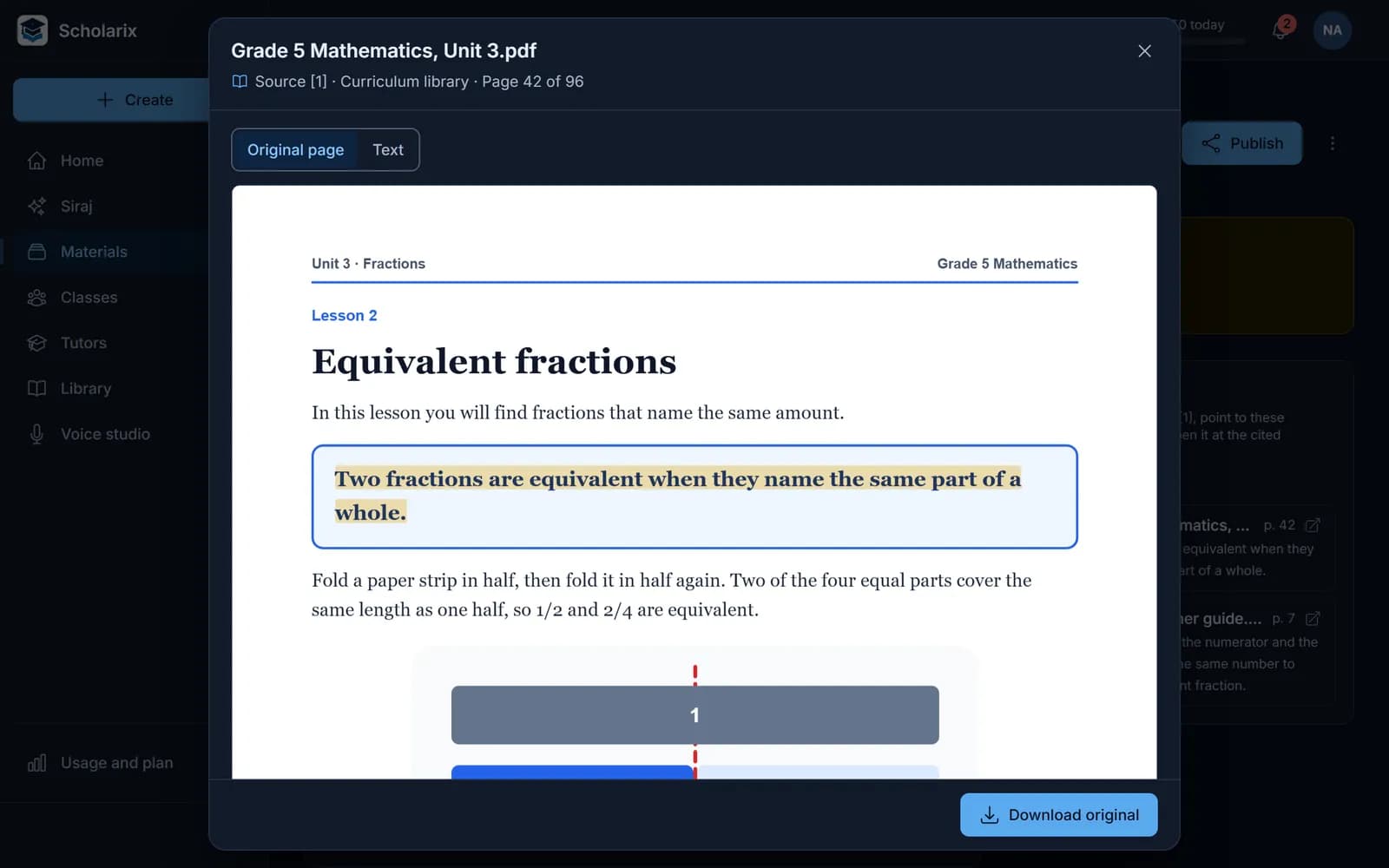
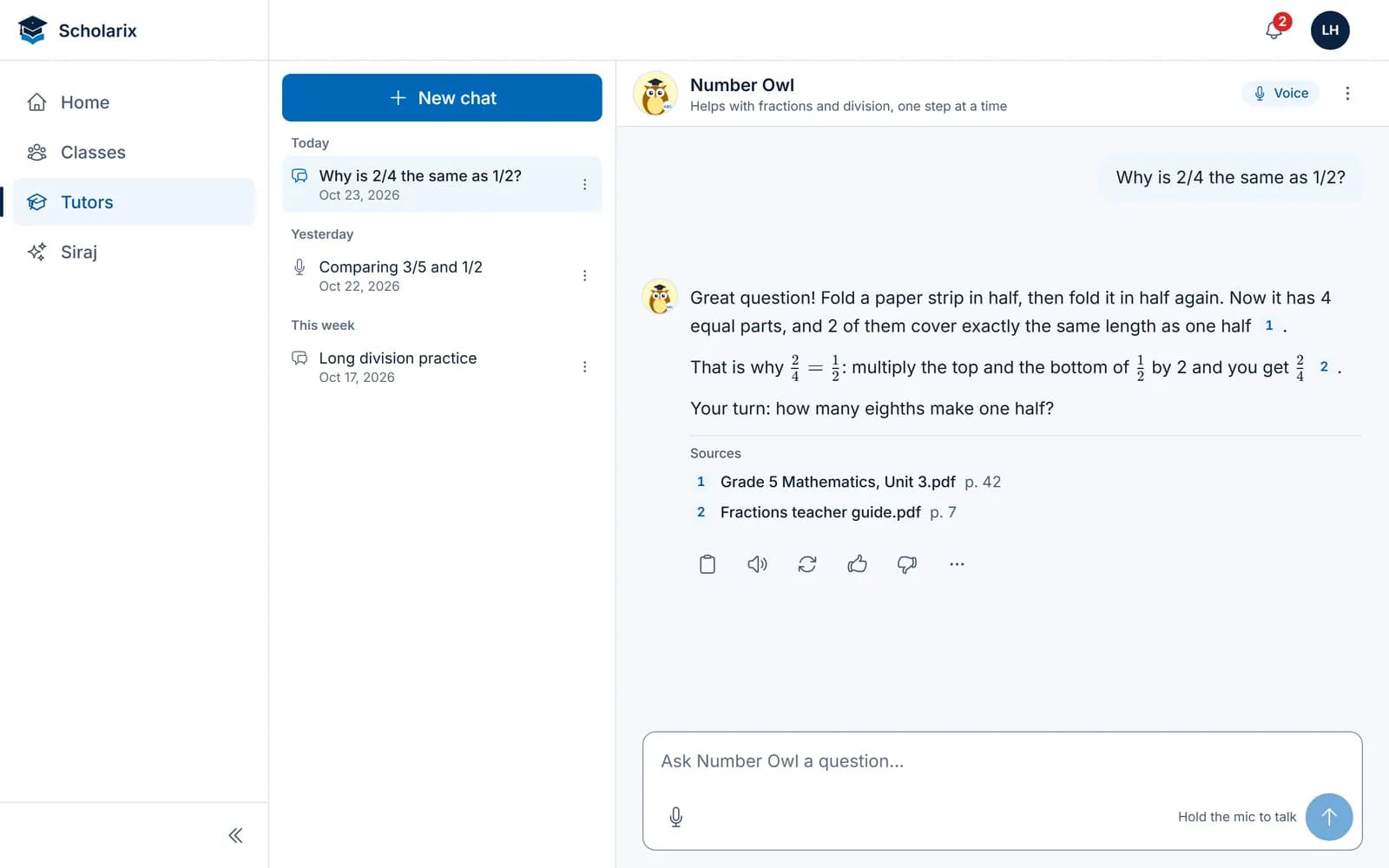
Numbers in the text point to the passages Siraj used. Select one and the source opens on its page with the sentence highlighted, so you can check a draft before it reaches your class.
Siraj
Ask by text or by voice
Ask Siraj for a worksheet, a lesson plan or an idea, by typing or by holding to talk, and have answers read aloud. Export a conversation to Word, PDF or PowerPoint.
- Hold to talk, in English or Arabic
- Answers read aloud
- Export to Word, PDF or PowerPoint
AI tutors
A tutor for your class
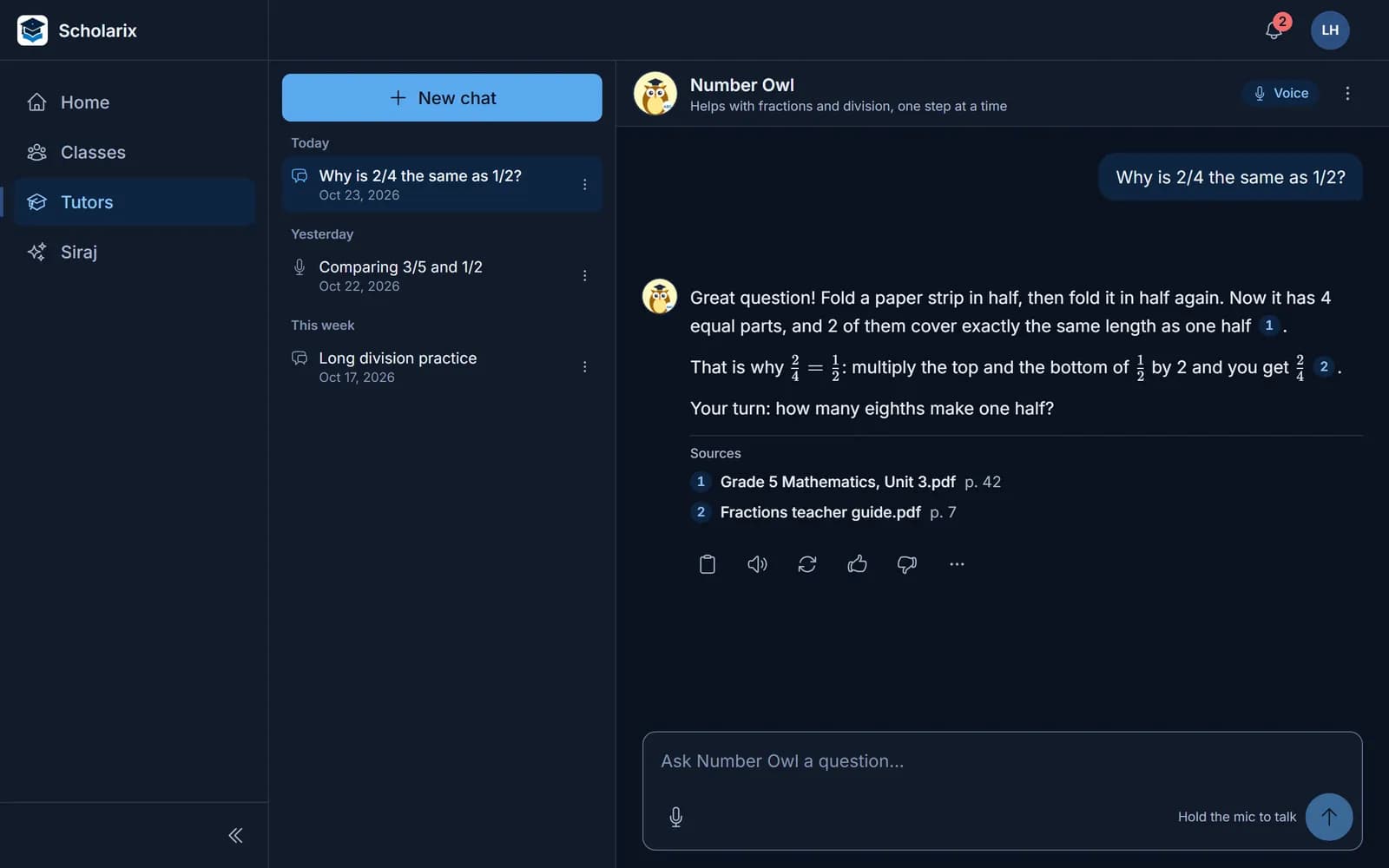
Build a tutor from the files and pages you choose, try it in the playground, then publish it to your class. Students ask by text or by voice and see where each answer comes from.






- 1
Build
Pick a portrait and add your files and pages.
- 2
Try it
The playground shows the passages behind each answer.
- 3
Publish
Students only get the version you publish.
- 4
Improve
Every version is kept; start a new draft from an earlier one.
Free while you try it
250 AI requests a day
Enough to plan your week, with a warning before you reach the limit. In English and Arabic.
- 250 AI requests a day
- A warning before the limit
- Both languages, every tool
Teachers ask
Try it on your next lesson
Bring a chapter you're about to teach and see the draft, the sources and the slides.