
For schools and departments
One standard for every teacher, on your curriculum
Scholarix gives every teacher the same structure for plans, practice and slides, built from the curriculum your school teaches, with teachers deciding what reaches students.
Consistency
The same structure from every teacher
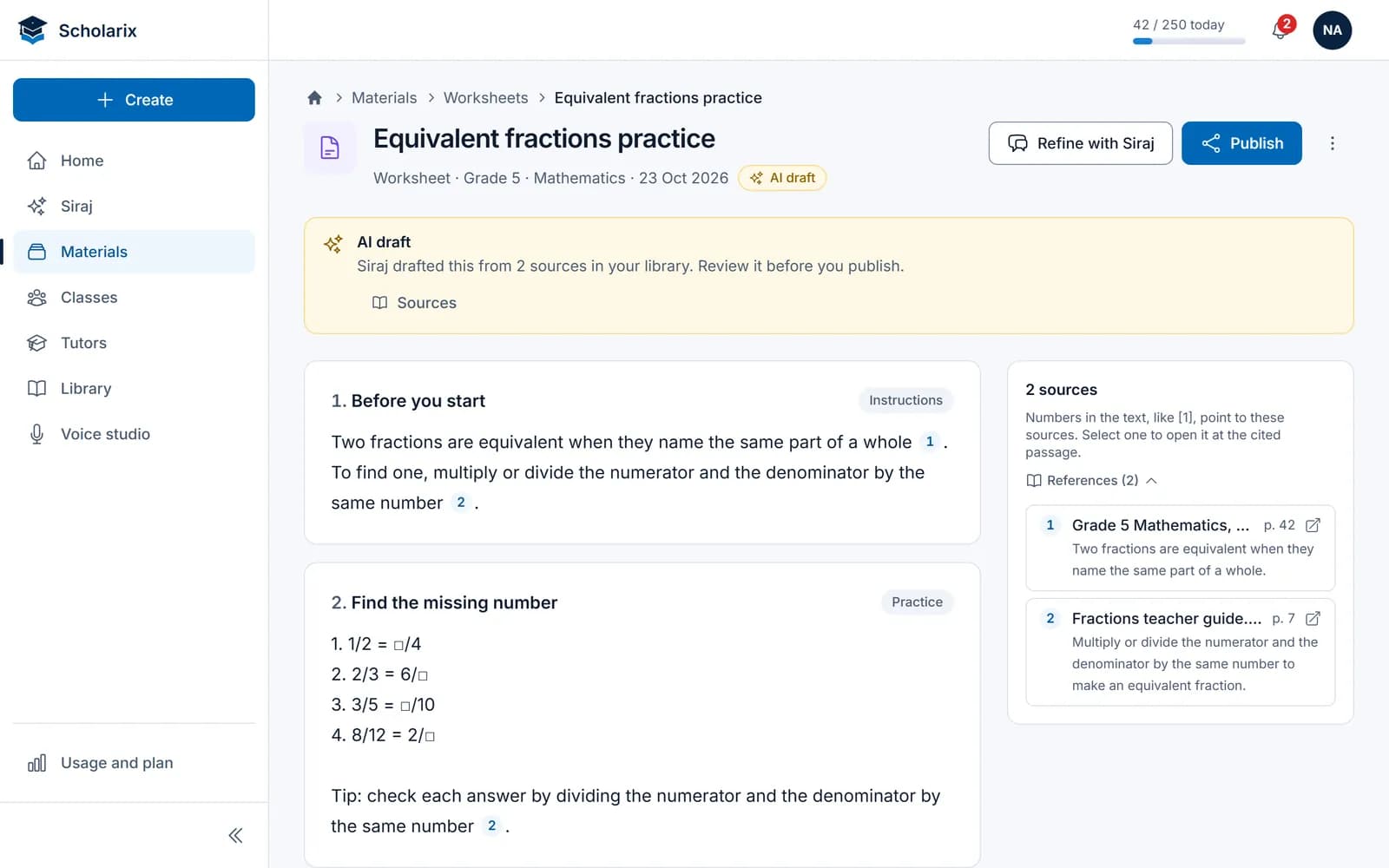
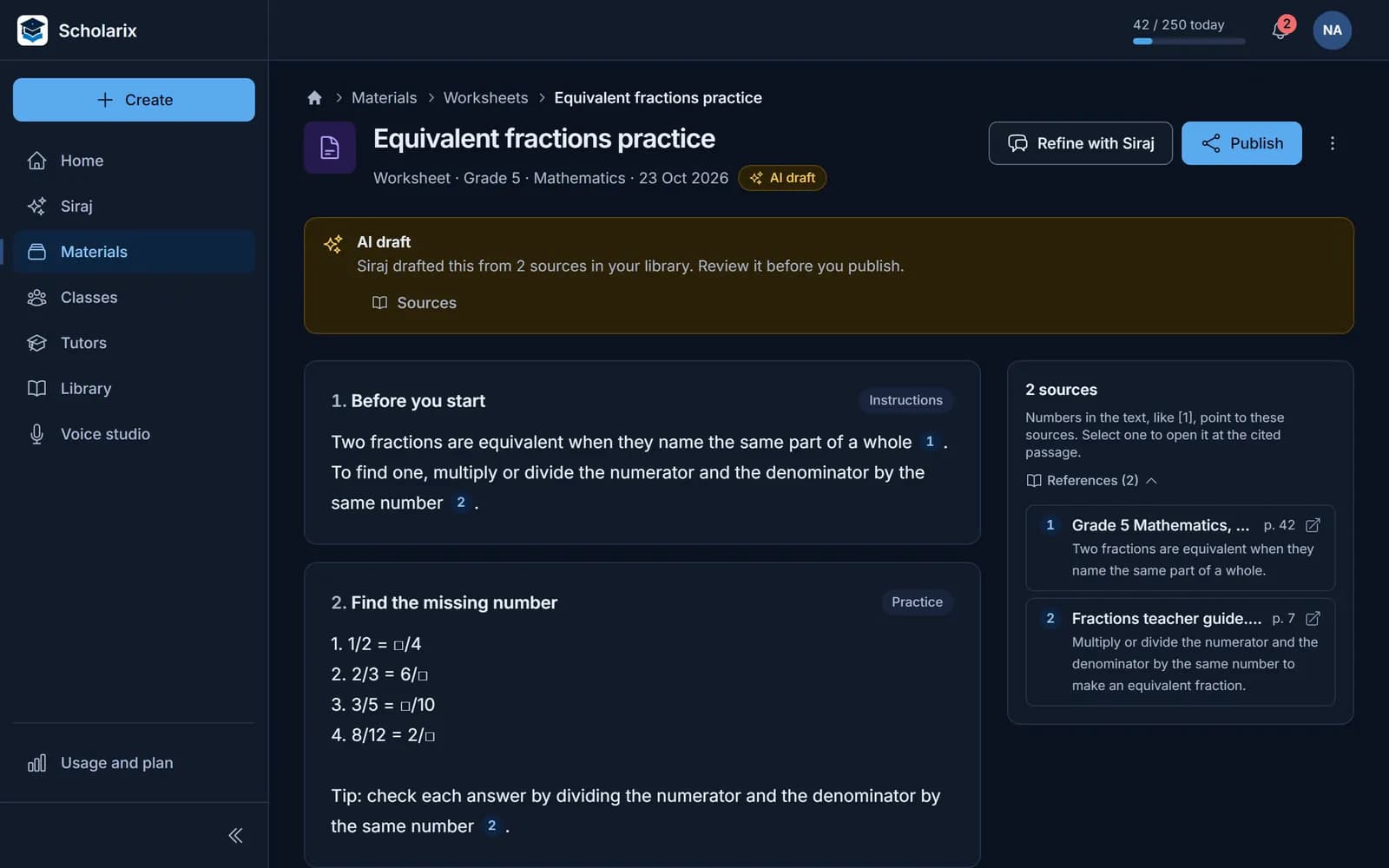
Each kind of material has one structure, so a new teacher's worksheet and a head of department's look alike. Every quiz question carries a difficulty, a Bloom's level and an explanation.
- Eight kinds of material, each with one structure
- Numbered sources on everything Siraj drafts
- An output language chosen for each material
Set up around your curriculum
One library for the whole school
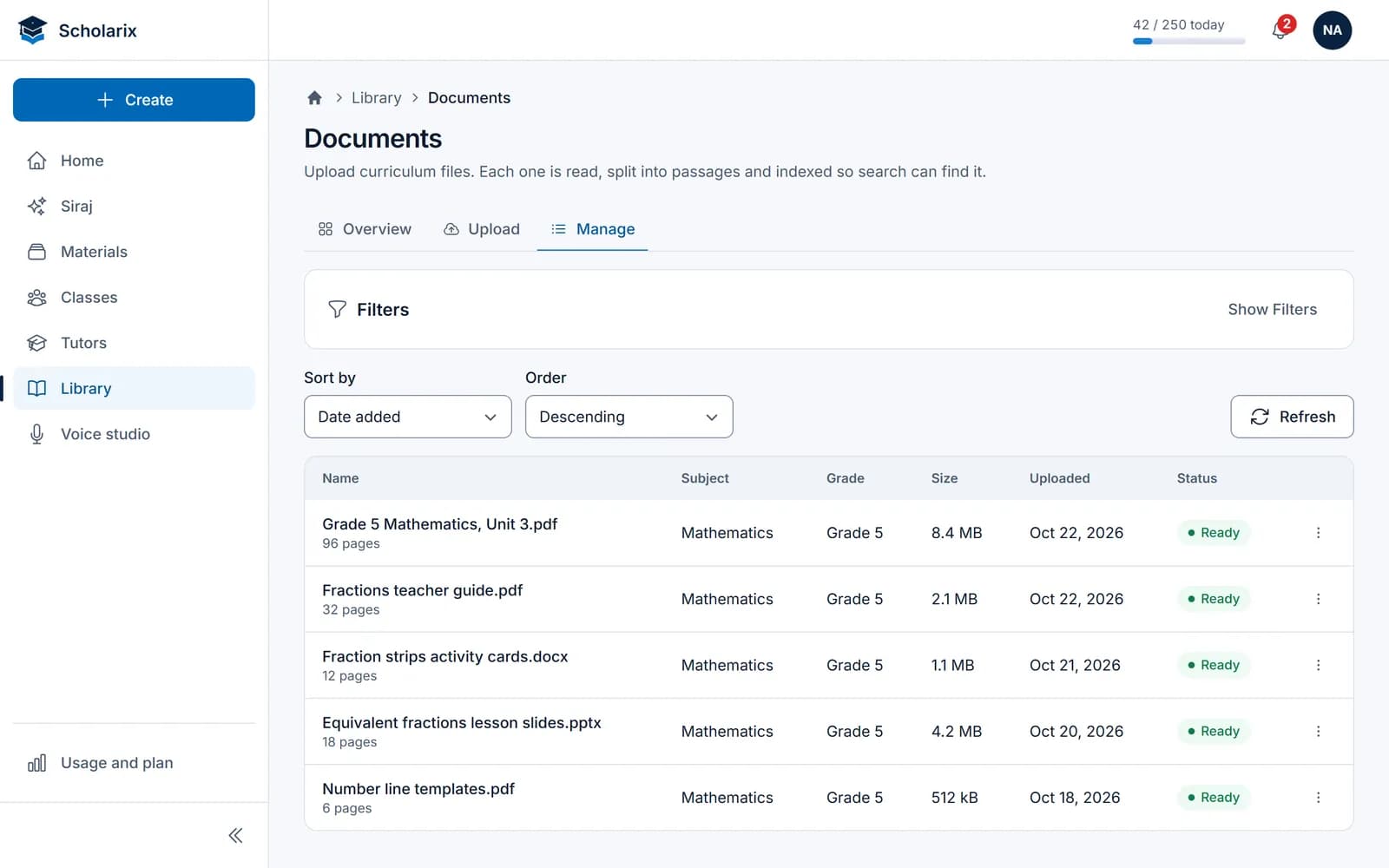
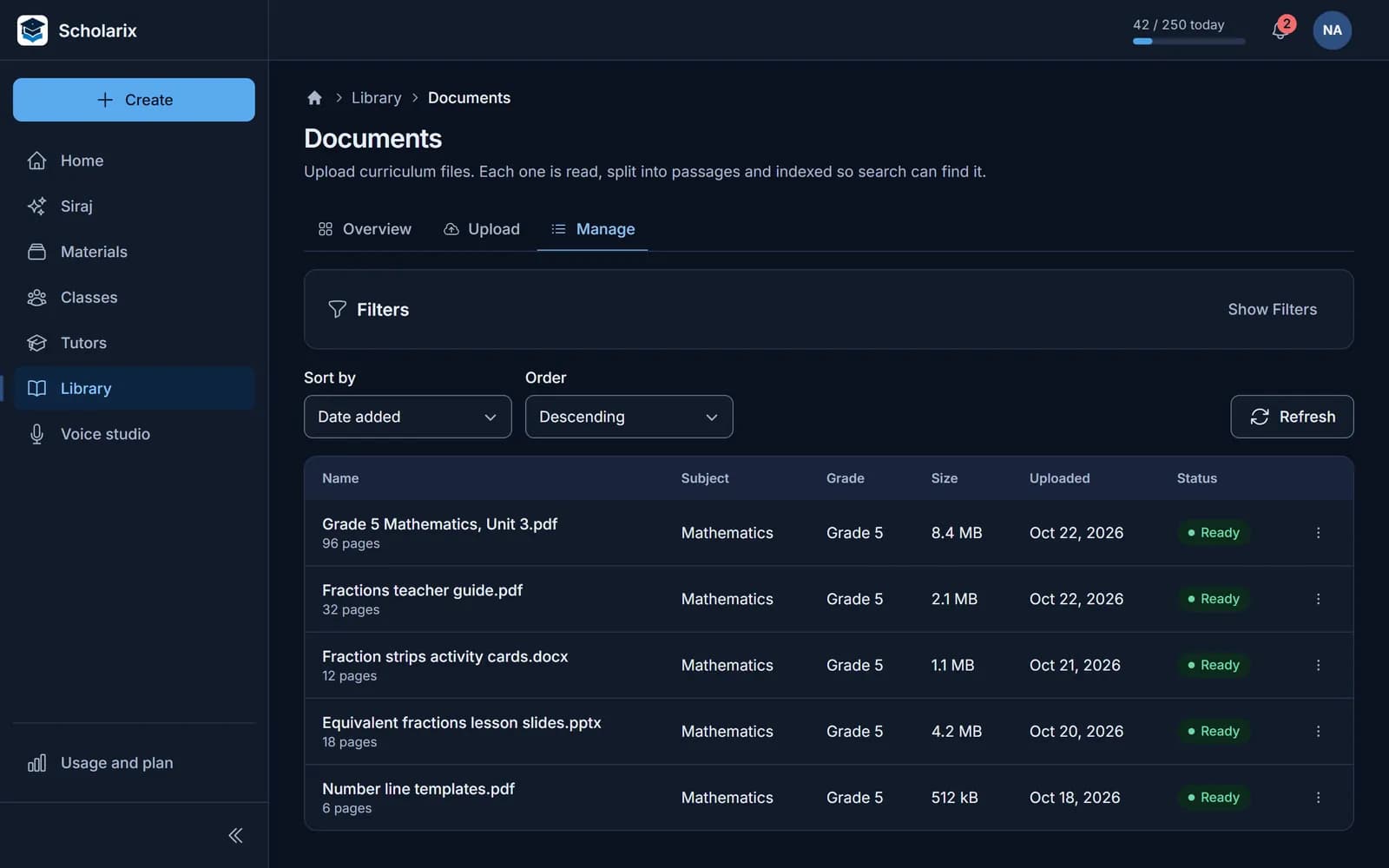
Load your textbooks, guides, video and web pages once. Every teacher's tools draw on them, and so do the tutors you allow.
- PDF, Word, PowerPoint, Excel, CSV and text files
- Video, YouTube and audio, transcribed
- Standards imported from Excel or CSV, with a preview first
Who sees what
Roles that match how a school works
| Role | What they can do |
|---|---|
| Owner and admin | Manage members, roles, subjects and the library. |
| Teacher | Create material in the subjects they're assigned; read colleagues' material in those subjects; change only their own. |
| Student | Open what their teachers published, use class tutors and revision tools. |
Each school's content is kept separate from every other school's.
Show your working
AI you can account for
Every source numbered
Drafts cite the passages they were written from, and each opens at the cited page.
Drafts are labelled
New material shows as an AI draft until a teacher publishes it.
Tutors in versions
Students get the version a teacher published; every version is kept.
Narrower for students
Students get revision tools and tutors, not the teacher's generators.
Questions to ask any AI tool
And how Scholarix answers them.
| Question | Scholarix |
|---|---|
| Where do its answers come from? | Your library first, with numbered sources you can open at the cited page. |
| Who decides what students see? | The teacher, by publishing to a class. |
| What can students do with it? | Revision tools and the tutors their teachers publish, not the teacher's generators. |
| Does it work in Arabic? | The interface, the material, exported slides and voice. |
| Where is our content kept? | In your school's own space, separate from every other school's. |
Schools ask
See it on your own curriculum
Book a walkthrough with your team, and bring a unit you teach this term. Or request your school's workspace: our team reviews each request and sets it up.